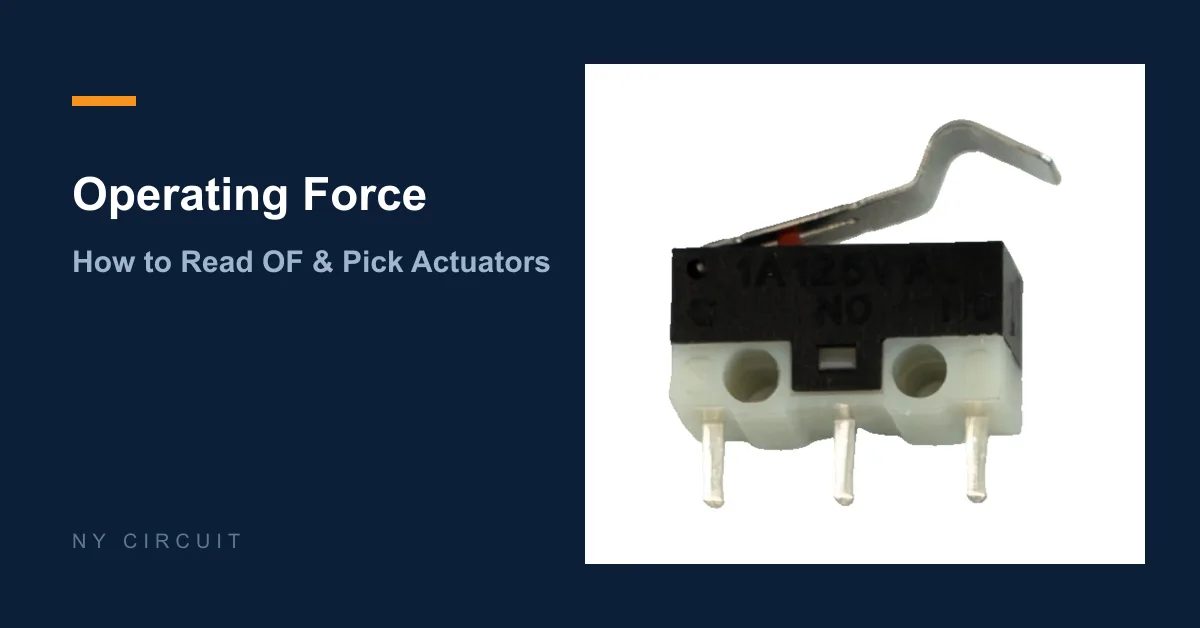
Micro Switch Operating Force: How to Read & Choose
2 October 2026 | NY Circuit Team
Operating force is the number buyers quote most often and understand least. Getting it wrong shows up later as missed actuations, false triggers, or a lever that wears out early. This guide explains what OF means, how the actuator changes it, and how to pick a value that survives real conditions.
What OF Actually Measures
Operating force (OF) is the force you must apply to the actuator to make the contacts change state. On data sheets it appears in newtons (N) or grams-force (gf), where 1 N equals roughly 102 gf.
Manufacturers quote OF per actuator variant — the same switch body with a plain button, a short lever and a long lever will carry three different OF values. A figure quoted without the actuator is almost meaningless, which is why the variant table matters more than the headline number.
Why Too High and Too Low Both Fail
An OF that is too high for the mechanism means the switch never trips: a cam or door edge that develops 0.3 N of force cannot operate a 1.5 N switch reliably.
An OF that is too low is worse in practice: vibration and shock trigger the switch on their own, and the mechanism feels mushy. Between these two failures sits the snap-action mechanism itself — a micro switch is designed to change state almost instantly once the operating point is crossed, and that snap only works when the applied force comfortably exceeds OF.
Levers Change Everything
The most common selection mistake is treating a lever as decoration. A lever is a force multiplier:
- a longer lever lowers the force needed at the roller tip and increases travel
- a shorter lever or a plain button needs more direct force but less travel
- a roller on the lever end converts sliding motion into a push and protects the lever from wear
The trade is always force against travel. A long lever that needs only 0.2 N at the tip will move a long way before the snap point; a plain button that needs 1.5 N moves almost nothing. Pick the geometry from the machine’s motion, not from habit.
Matching OF to the Application
| Application style | Typical concern | What to prioritize |
|---|---|---|
| Door and lid detection | low available force, wide travel | long lever, low tip force |
| Cam-driven mechanisms | fixed cam profile | match travel and force to the cam |
| Vibration-heavy machinery | false triggering | higher OF, shorter travel |
| Signal and logic inputs | light touch | low OF with gold-plated contacts |
| Safety interlocks | must not stick or arc | rated load plus positive snap |
The DMS general-purpose models list multiple actuator shapes per series, with the exact variants in each model’s selection table. If you are replacing an existing part, send the reference number and the actuator photo — the geometry often tells us more than a written description.
How to Confirm Before Ordering
- State the force available at the actuating point and the travel, not just “I need a light switch.”
- Confirm the OF for the exact actuator variant, from the selection table.
- For sealed environments, remember the waterproof DMS05–DMS11 range trades some actuator options for IP67 sealing — check what is listed for the exact model.
- Prototype with real mechanism parts; a bench test with a finger proves nothing.
Send us your actuator requirements — mechanism type, available travel and force, and any reference part number — and we can compare the DMS variants against your numbers. Final suitability is checked for your application, not from the headline OF alone.
Related reading: Common Micro Switch Failure Modes and How to Choose the Right Micro Switch.